

What the user sees
1
Enter an email address
The widget opens asking for the email where the user wants to receive updates about their operations. Ripio collects it — it is not the 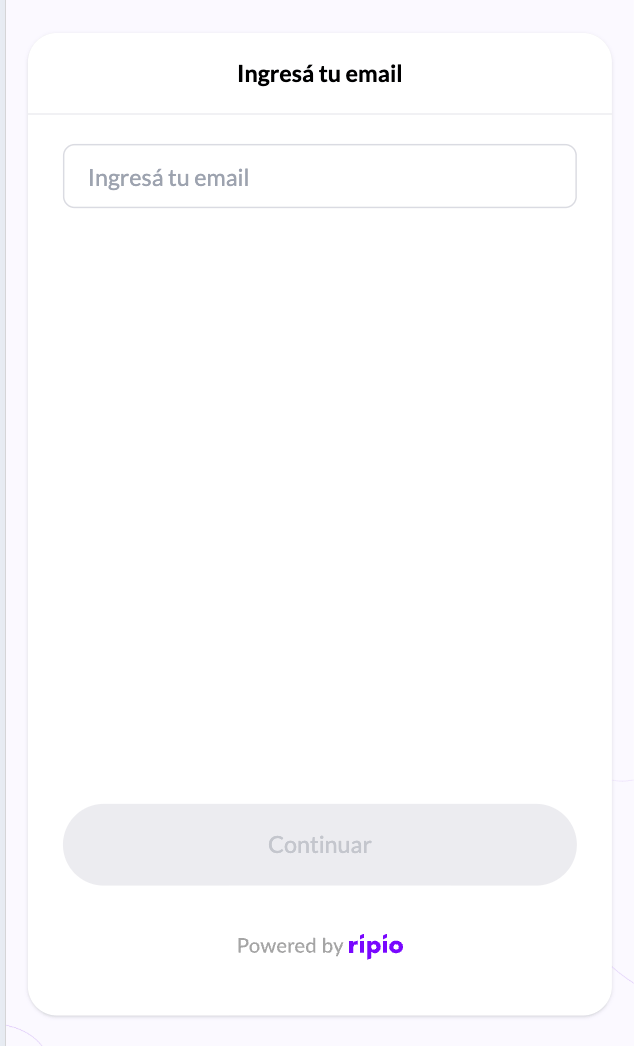
external_ref you used to mint the session token, and you are not asked to supply it.2
Enter the code we email them, and accept the terms
A 6-digit code arrives by email. The user can ask for a new one after 60 seconds, and repeated requests are rate-limited to protect their inbox. The Terms & Conditions are presented on this same screen, so acceptance and verification happen together.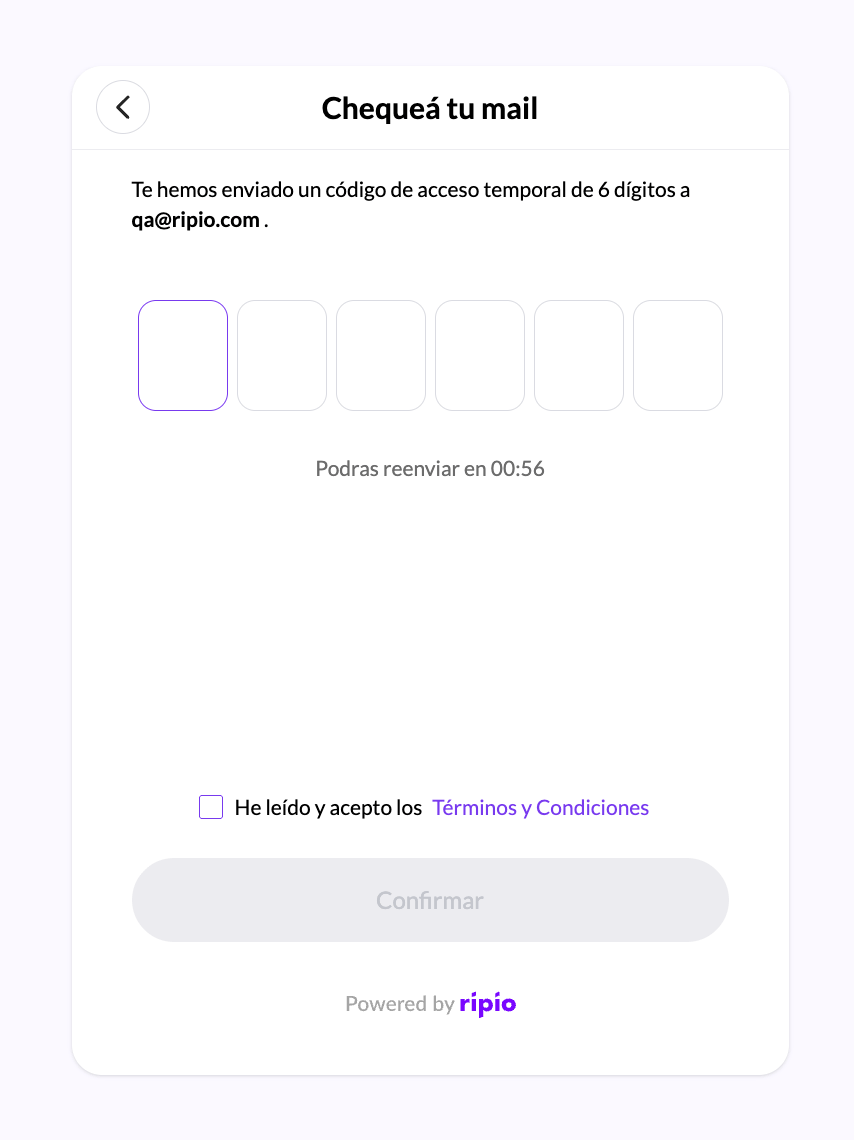
A wrong code is not treated as an error: the widget simply tells the user it did not match and lets them try again. There is no lockout to design around.
How the terms appear
Four cases, depending on what is active for your account’s country and on what the user has already accepted:A new version brings returning users back
Terms are versioned per country, and only one version is active at a time. When a new version becomes active, users who already signed in are sent through this step again — including those who would otherwise have skipped it, because the widget re-checks acceptance before reusing an existing session. They get a fresh code by email and the checkbox, and the acceptance is recorded against the new version. There is nothing to configure for this, and nothing that lets a user past it: the same gate applies to the operations themselves, so a user who never accepts cannot buy or sell.Terms & Conditions are shared with your API integration
The active terms and the record of who accepted them live in the Ramps platform, not in the widget. That has one useful consequence: an acceptance you registered through the API counts here too. A customer who already accepted the current terms via Accept Terms is not asked again inside the widget. The reverse also holds. When a user accepts the terms inside the widget, Get Terms Acceptance Status reports it for that customer, so your backend can read the acceptance without the user having to repeat it.When there are no active terms for the country, this step is skipped entirely and the acceptance status reads as accepted. See Terms and Conditions for the full model, including what a new version means for an API integration.
What your backend does
Nothing. There is no event for sign-in, and no call for you to make. The first thing your backend hears about a widget user is the operation they start afterwards, through the Ramps webhooks keyed by theexternal_ref you minted the token with.