

How the user gets there
The history is not a step in the flow — it is reached from a menu available on most screens, alongside the link to support. So a user can check on a past operation, or claim a refund for one, in the middle of doing something else.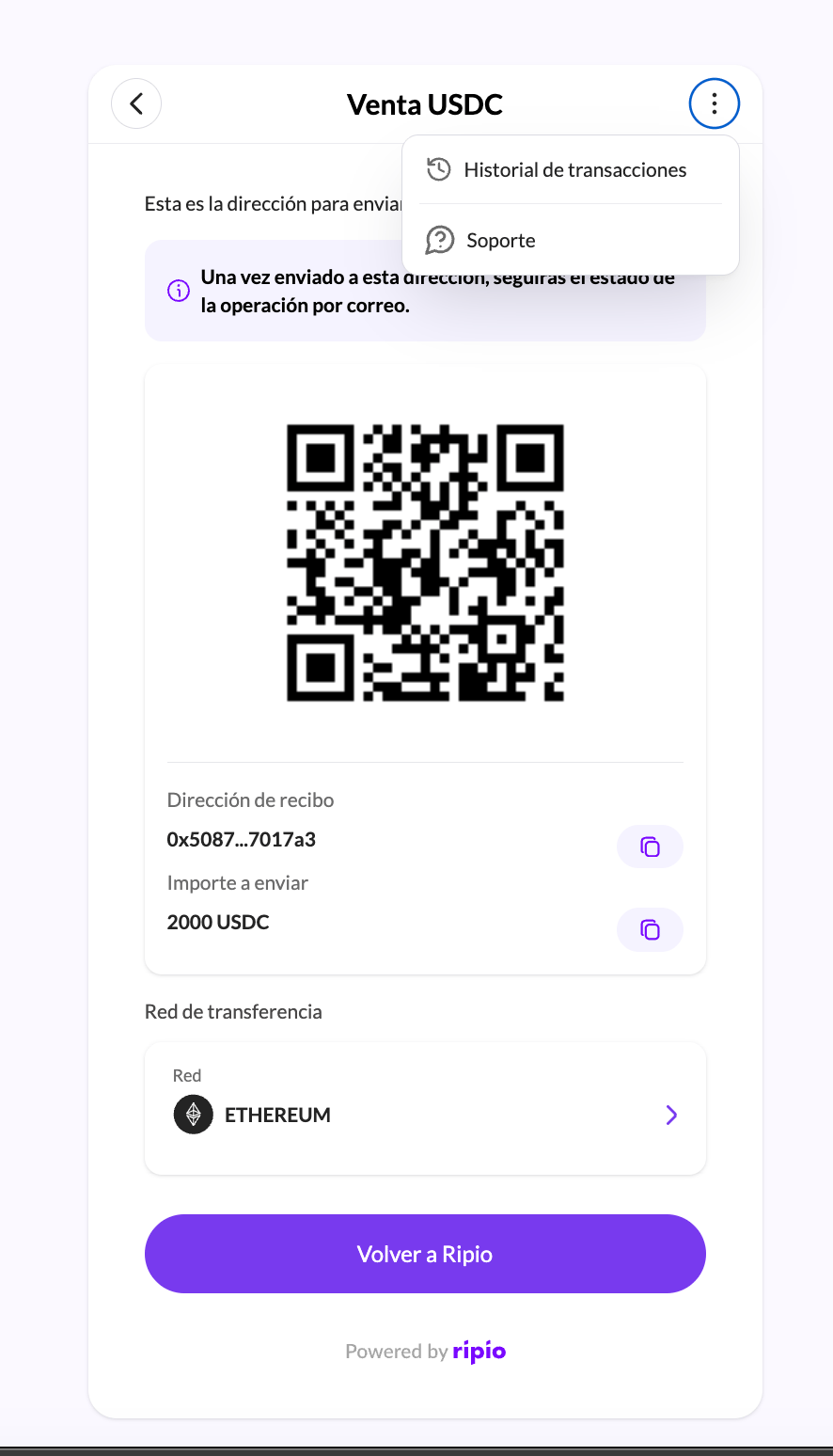
What the history shows
Operations are listed most recently updated first, on-ramp and off-ramp separately, paginated, with a detail view for each. Each row carries its status, so a user with one operation still settling and another already done sees both states at a glance.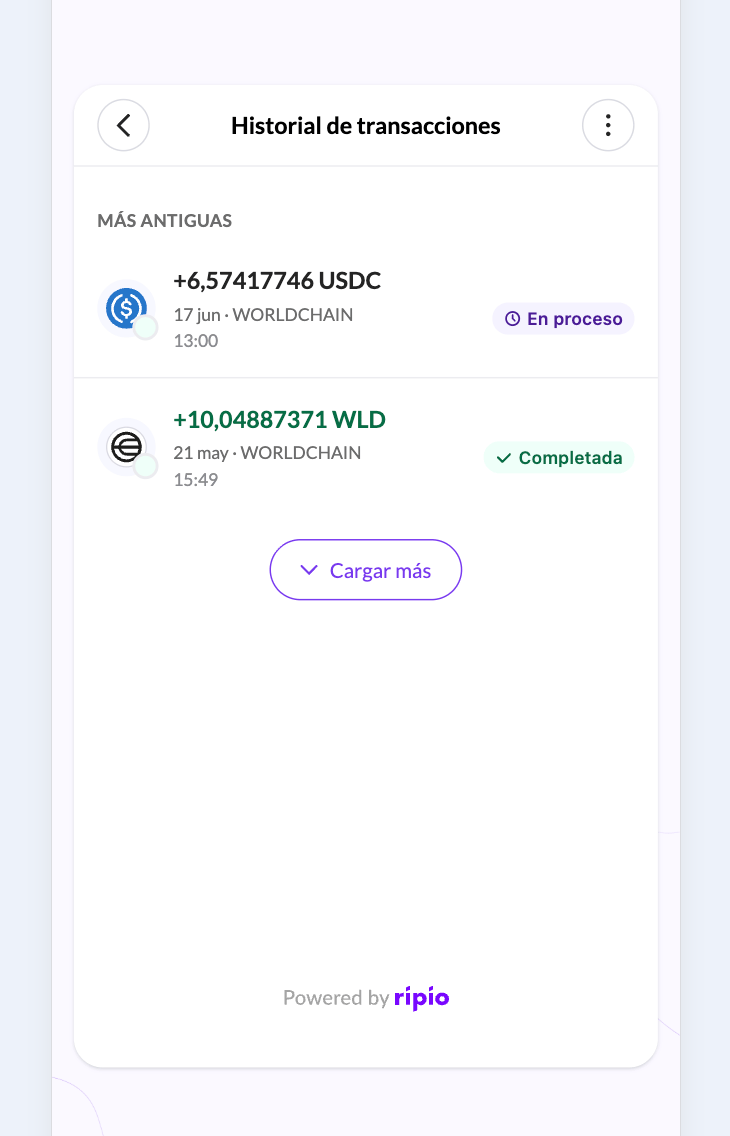
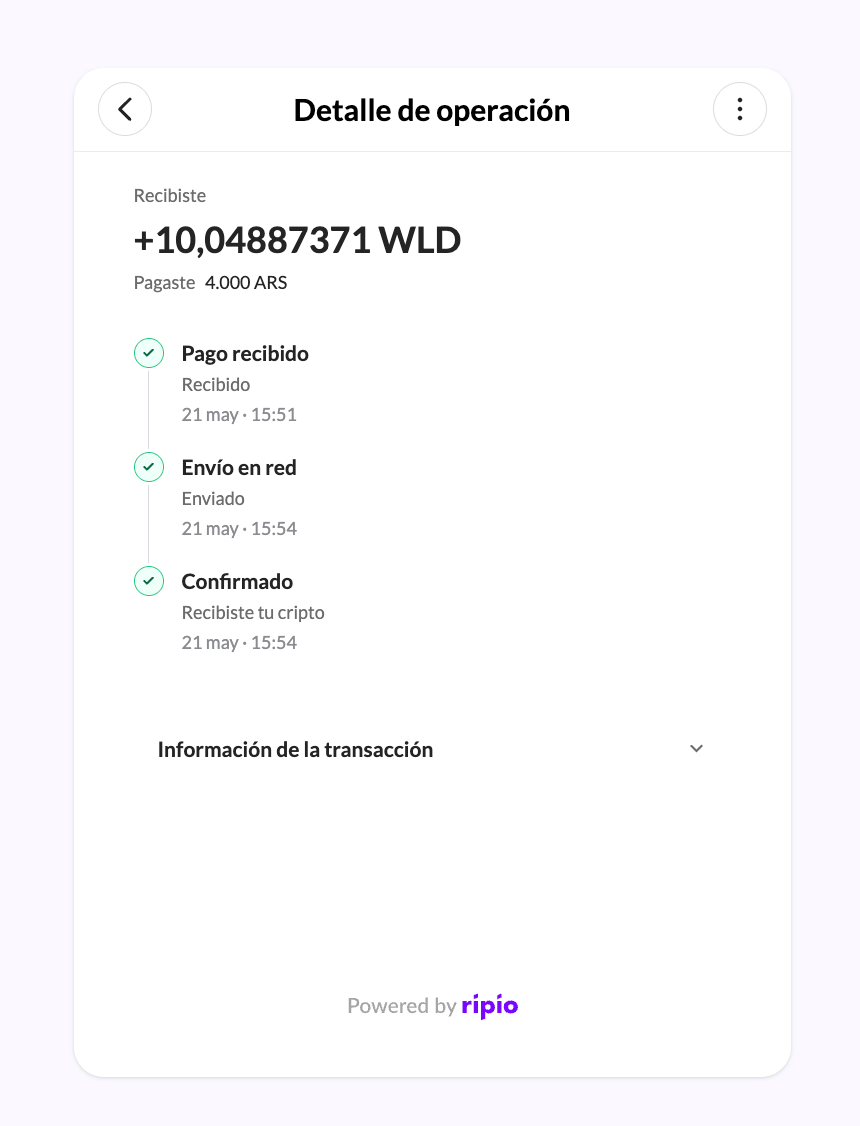
The detail view shows a three-milestone timeline — payment received, crypto sent, crypto delivered on the on-ramp; crypto received, funds sent, funds confirmed on the off-ramp — plus the on-chain hash once there is one, and where the money went, be that a wallet address, an alias, a CVU, a CLABE, a BRE-B key or a bank account.
What a user can claim
Three different things, each with its own rules:When an off-ramp order is not refundable, the crypto was already sold and the fiat payout is what failed. That case is not a refund — see Recovering a rejected payout.
A refund is not instant
A claim is a request, not an execution. It is reviewed before any money moves, and while that review is open the refund reports asPENDING. The widget polls the history to follow it.
What your backend can and cannot rely on:
The off-ramp completion event does not carry the hash of the returned crypto. Read
refundedTxnHash on the order for that.Telling your refunds apart from the user’s
latestRefund.initiatedBy says where a claim came from, which matters once both you and your users can start one. The values differ by ramp:
PARTNER is a claim you made through the API, WIDGET one the end user made in the widget, SYSTEM one Ripio returned automatically, and OPS one Ripio’s support team registered on the customer’s behalf. Field-by-field semantics are in Refunds.