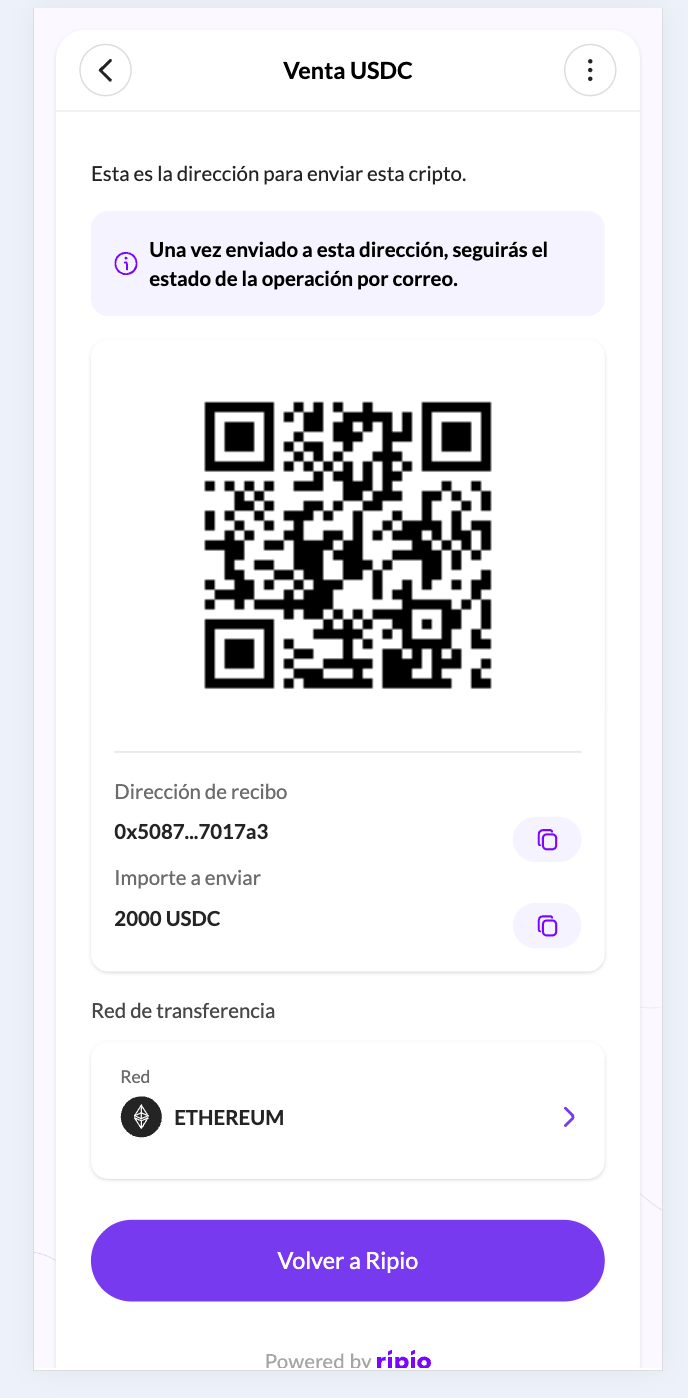
In the screenshots below the button reads “Volver a Ripio” because the account they were taken from is named Ripio. On your account it carries your own brand name — see Partner settings.
Which screens append parameters
In a gateway flow the user does return from the provider carrying the provider’s own parameters, but that return lands on Ripio, not on you: Ripio consumes it, re-enters the widget on the confirmed screen, and the parameters do not survive that hop.
On Ramp
On the flows that append parameters, the user lands on a final screen with a “Back to Partner” button. Pressing it sends them to your URL with the transaction details in the query string. Example final URL:Note: Thesession_idparameter will only be included if the partner specified a_tracking_sessionwhen constructing the On Ramp widget URL.
Payment method values
Todaypayment_method is always bank_transfer. The only screens that append parameters are the transfer-instruction ones, and every method that reaches them — Argentina CVU, Mexico CLABE, Colombia BRE-B key — is a bank-transfer variant. The off-ramp sends bank_transfer as well.
Other values become reachable if the remaining flows start appending parameters too. Do not treat this parameter as the record of how the user paid: the authoritative source is
paymentMethodType on the On-Ramp Events payload, which is populated for every flow.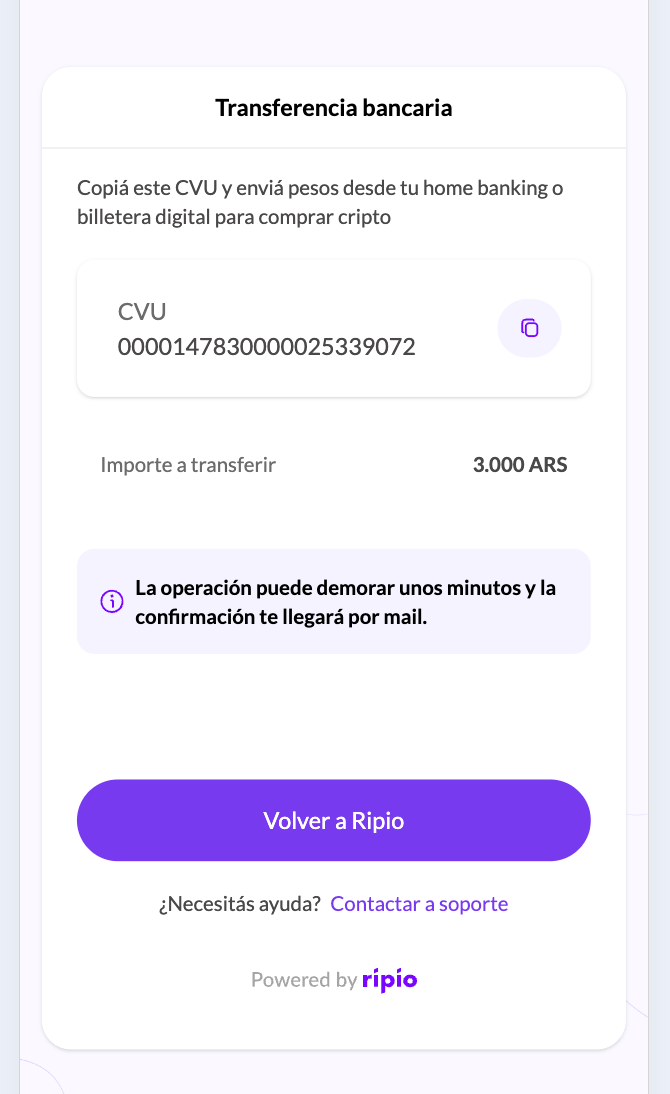
Off Ramp
Which of the two forms below you get is decided by whether the QR deposit screen is enabled on your account, not by your integration.Automatic redirection
When the QR deposit screen is not enabled, the widget redirects the user to your URL as soon as the Off Ramp flow is confirmed, with the transaction details appended as query parameters. The user never sees a deposit screen inside the widget, so you are expected to move the crypto on their behalf.Note: Thesession_idparameter will only be present if the partner includes a_tracking_sessionvalue when generating the Off Ramp widget URL. This allows the partner to maintain traceability between their internal user session and the transaction on Ripio’s side.
Manual redirection
When it is enabled, the widget displays a final screen with the deposit details, and a QR code, so the user can send the cryptocurrency themselves from whichever wallet they prefer. In this case:- The user will see the deposit address (
deposit_address) and the network (network) details. - The user must send the specified amount manually from their wallet.
- Once the funds are received, Ripio will process the transaction and deposit the corresponding fiat amount in the user’s bank account.