Parameters
Widget configuration parameters using query params.
Tracking session parameter
The_tracking_session parameter can be used as follow:
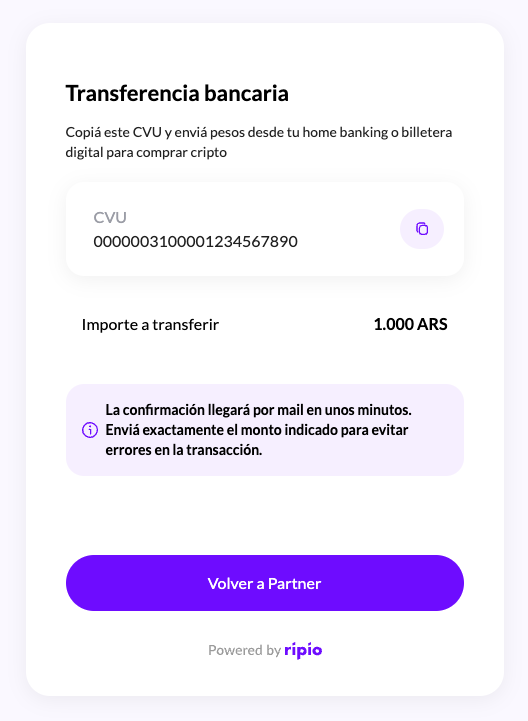
Note: TheExample image of the final On Ramp screen:session_idparameter will only be included if the partner specified a_tracking_sessionwhen constructing the On Ramp widget URL.
Off Ramp
The Off Ramp widget allows automatic redirection of the user upon completing a cryptocurrency sale transaction. To enable this, the partner must provide Ripio with a redirection URL, which will be configured in the partner’s account. This URL must be publicly accessible and can point to any valid route under the partner’s domain, for example:
1. Automatic Redirection (Partner-Assisted Flow)
If a redirection URL is configured, the widget will automatically redirect the user to that URL after the Off Ramp flow is confirmed. Additionally, relevant transaction details will be appended as query parameters.Note: Thesession_idparameter will only be present if the partner includes a_tracking_sessionvalue when generating the Off Ramp widget URL. This allows the partner to maintain traceability between their internal user session and the transaction on Ripio’s side.
2. Manual Redirection (User-Initiated Flow)
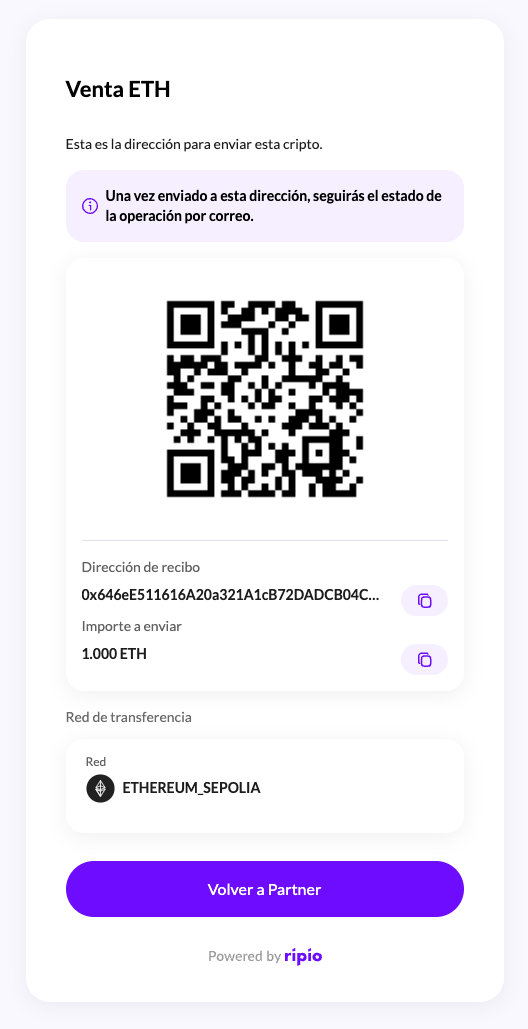
If the partner does not manage the user’s crypto custody, the widget will display a final screen with the required information for the user to manually send the cryptocurrency from their preferred wallet. In this case:- The user will see the deposit address (
deposit_address) and the network (network) details. - The user must send the specified amount manually from their wallet.
- Once the funds are received, Ripio will process the transaction and deposit the corresponding fiat amount in the user’s bank account.